

Summary: Working with coding agents got too fast for me to keep track of. What fixed it was a Kanban board that the agents work on themselves. This post covers what that board has to do, what open source tools and Jira already do, and why the same thing is coming for teams.
From Meat Proxy to Too Fast
It started with me being a so-called meat proxy. One agent in one window, another agent in the next window, and me in between, copy pasting things around so the agents could work properly.
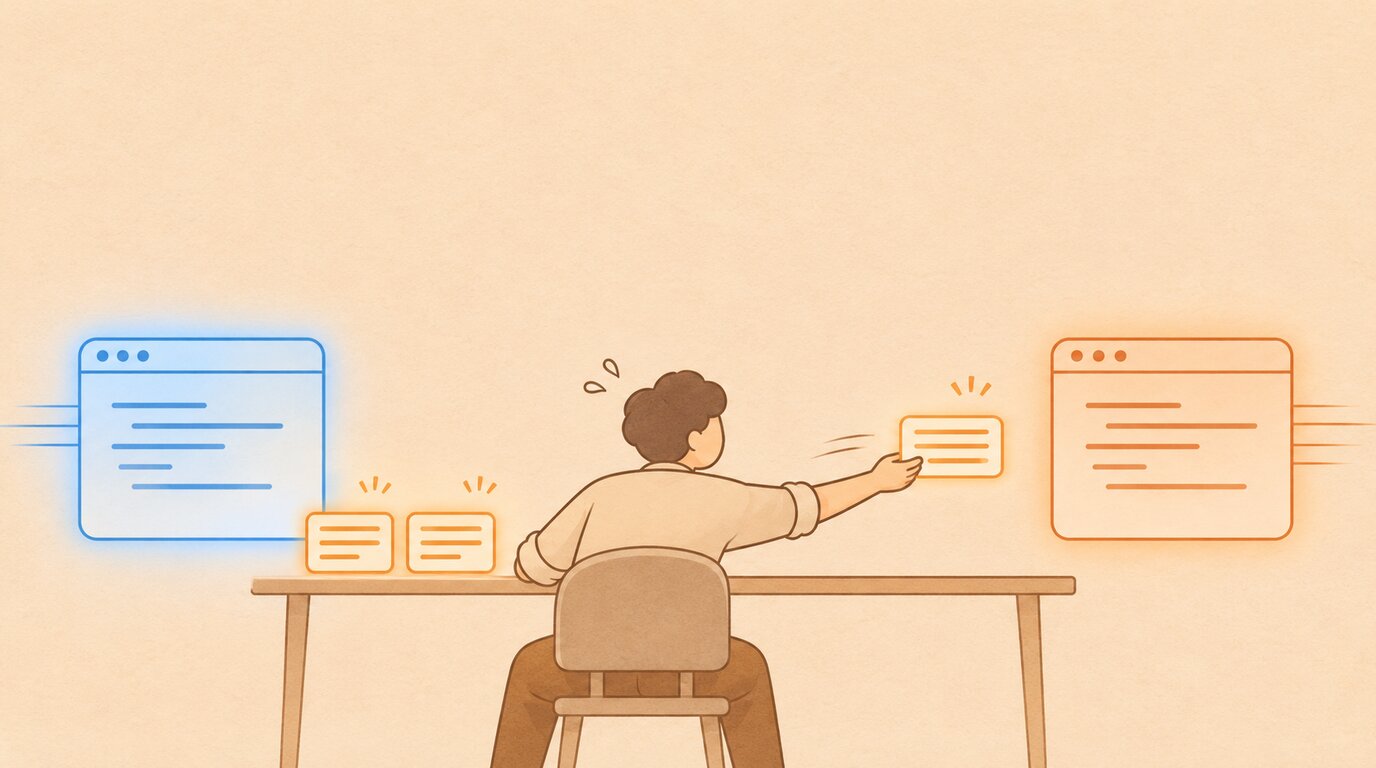
Then Claude Code sessions could interact directly, and things really started speeding up.
That was the point where I needed a way to keep track.
Markdown Files Weren’t Doing It Anymore
My plans and notes lived in markdown files. One set in each work tree, in each repository. With several agents working at the same time, that is really cumbersome to take care of.
The agents talking to each other is great, but it needs a lot of tokens.
So the basic idea was a shared space. One place the agents reach over MCP, where they can communicate, and where I can add my ideas to a backlog. The natural next step from a backlog is a Kanban board. So I built one for myself.
What My Board Does
Agents claim tickets. On each claimed ticket I get the exact session name, so I know which of my windows is working on it.
The claims expire. A claim lasts 15 minutes and is renewed by the agent’s real activity, not by the agent remembering to renew it. When a session stops, its claim runs out by itself and the ticket is free again.
You can really see what is being worked on, in a very visual way.
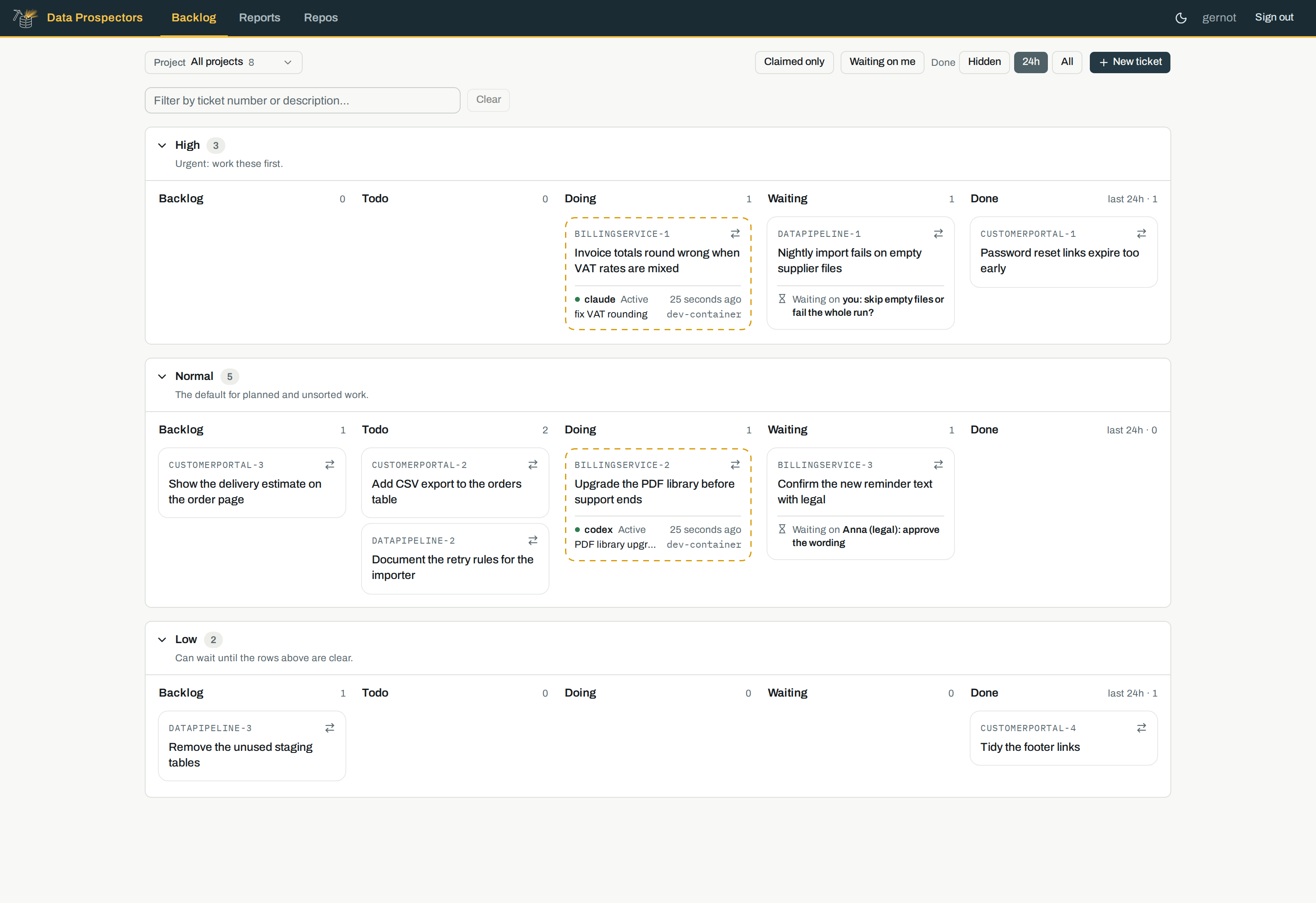
A demo board with invented tickets.
A few more rules turned out to be the important parts:
- An agent cannot just mark a ticket as done. Closing needs written evidence and a reference: a commit, a pull request, a test or a deployment.
- One agent per ticket, and one ticket per agent.
- Waiting on a person is a state, not a comment. The ticket moves to its own column and names who it is waiting on.
- Agents and people come in through different doors. Agents get the agent interface. I use the website.
The server enforces all of this. An agent cannot talk its way around it.
The Same Thing, for a Team
To extrapolate that to multiplayer AI, to a collaborative approach, you need this in a company setting too. Several people, each with their own agents, working on the same product.
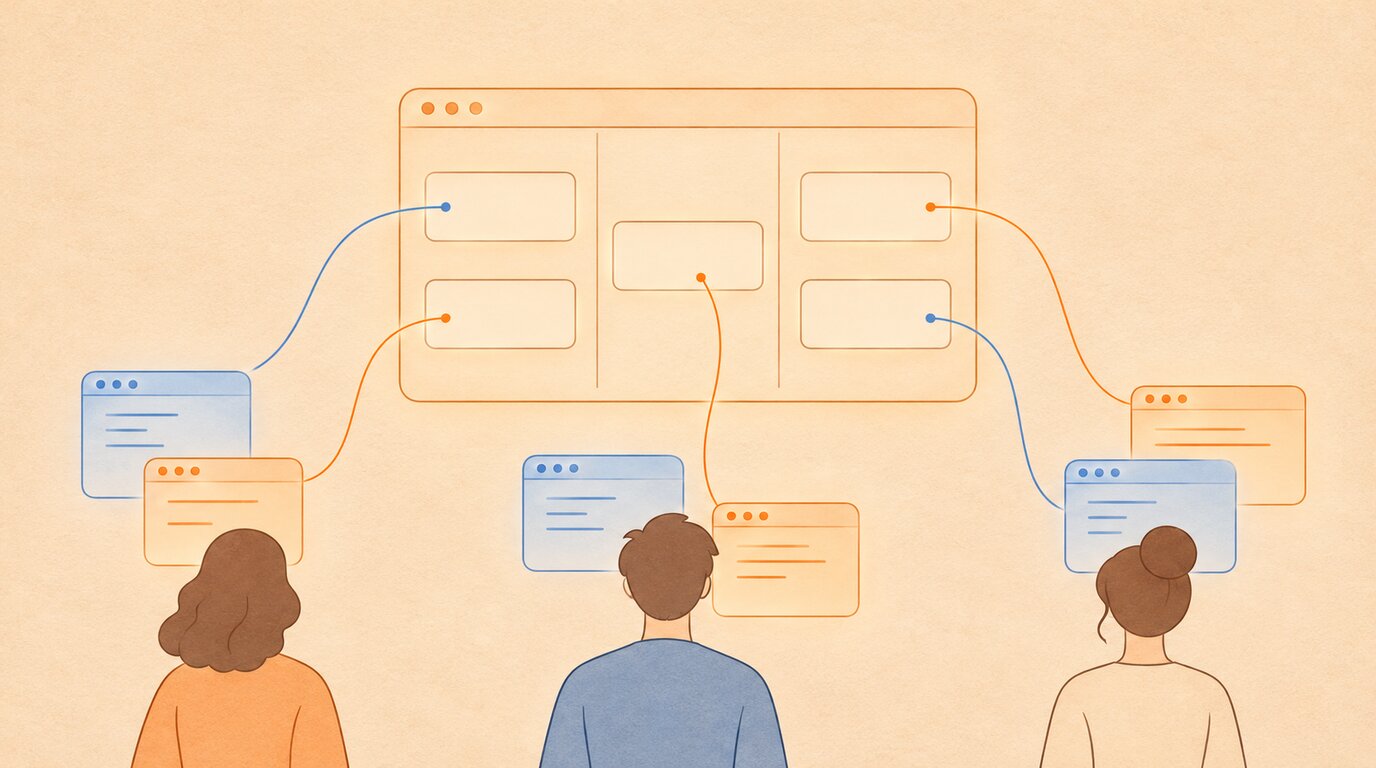
I have built this once before, with Jira, over the API. Skills and scripts, rolled out to the team. MCP was not far enough at the time and the API had everything.
That was true then. Atlassian says of its first MCP server: “There was nothing for boards, sprints, versions, or attachments.”
Now the MCP is far enough. The official server has been generally available since January 2026. It reads and writes work items, moves them through transitions, handles sprints and attachments, and can read a project’s workflow rules. Admins decide which groups of actions are allowed, and the agent acts with the permissions of the person who connected it.
With workflows and statuses you can really connect your whole team, and get an interactive way to communicate between humans and their agents.
Two limits. The official server is for Jira Cloud only. On Data Center you are still on the API, or on a community server you host and patch yourself.
And the agent does not know your workflow. If only QA may close a ticket, Atlassian describes what happens: “The agent knows none of this, so it takes a 400 and retries, or takes a 403 and tells you Jira is broken.” So you still write the skill that teaches the agent your rules.
In the Lead, Not in the Loop
The human is always in the lead, not in the loop.
The human tells the agents what to work on and what to sync. The board is where that happens. I put the work in, the agents pick it up, and when one of them needs an answer the ticket comes back to me with the question on it.
What Else Is Out There
I looked at what exists, because I needed that comparison for myself anyhow.
I started my board in late August 2026. By November, one comparison covered seventeen systems for giving agents a shared task list. Five of them were new in October alone.
None of them does everything my board does. But none of my rules is unique either. Each one has at least two neighbours.
| Tool | What it is | What it brings |
|---|---|---|
| kata | Issue ledger for agents | Claims with a time limit, closing requires evidence, safe retries, hooks for 18 agent tools |
| beads | Task graph and memory for agents | Atomic claims, hooks for several agent tools |
| kanban-md | Board as markdown files | Expiring claims, columns that require a claim. No MCP |
| kanzo | Board plus MCP in one small program | Humans and agents on one board |
| overclick | Board where agents execute | Claims and evidence handoff over MCP |
| vibe-kanban | Kanban for coding agents | Board plus agent runs |
| Symphony | Tickets become autonomous runs | Ticket to run, no shared claims |
| Paperclip | Manage agents at work | Broad agent management |
| Onplana (commercial) | Project workspace | Ten minute leases that renew, review inbox |
| Agent Kanban (source available) | Review board | Claims bound to a verified session |
| Jira, official MCP | The ticketing system you already have | Workflows, permissions, audit logs. Cloud only |
From each project’s documentation, as of 10 November 2026. I have not run all of them.
The one thing I found rarely: a claim that stays alive from the agent’s real activity, instead of the agent having to claim again.
It Has to Fit Who You Are
Coming back to the basics of Kanban is really not a bad idea.
How crazy it gets from there is up to you. Some people really just do Kanban: a board, and the agents pick what they do based on their role. Others set up a whole work process, which is more like business process management, but for agents. And there is anything in between.
It must fit who you are, how big your team is, and how you are actually working. Don’t just take someone else’s complete process and pretend that you are now functioning agentic in a proper multiplayer way.
This Is Just the Beginning
This is not only about coding. Cooperation in the office is next, and what we see today are just the glimpses.
What comes after that is proper enterprise level multiplayer AI.
Gernot Greimler is a data engineer. He builds data pipelines, infrastructure automation, and AI-augmented dev workflows at dataprospectors.at.
Want to see the board, or talk about your own setup? Reach out on LinkedIn.